
My previous post described how to include an Inkscape drawing in a LaTeX document. This post describes how to use LaTeX in an Inkscape drawing, which is probably more useful. The LaTeX output is included not as bitmap but as a vector drawing that can then be manipulated with all the features of Inkscape.
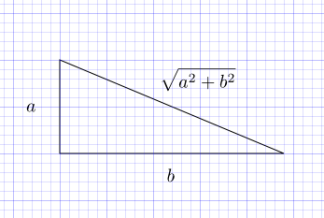
The Inkscape book describes the InkLaTeX extension, but the website for InkLaTeX recommends a newer extension textext. Once textext is installed, you can insert LaTeX into an Inkscape drawing by going to the Extensions menu and selecting “TeX Text”. This launches a window in which to type your LaTeX source.
Before I could install textext, I had to install pstoedit. The textext extension also requires LaTeX and Ghostscript, but these were already on my computer. pstoedit has several installation options; I chose the default basic option and that worked. Also, pstoedit says that it requires two Visual C++ runtime DLLs: msvcr70.dll and msvcp70.dll. I already had these, but the pstoedit site gives a link to where you can find these DLLs if you need them.
I had Inkscape running when installed textext and I had to restart Inkscape to see the “TeX Text” menu.
Related post: Including an Inkscape drawing in LaTeX
The link to textext seems to be broken. http://pav.iki.fi/software/textext/ seems to work (first hit on Google).
There is no need to add extensions to inkscape to do this, now there is official support for latex in inscape. Follow these instructions:
http://www.ctan.org/tex-archive/info/svg-inkscape/
On a related topic, dvisvgm may be useful too:
http://dvisvgm.sourceforge.net/
As its names suggests, it converts dvi to svg.
Thanks for the information.
The Endeavour picture you have on this page has a red flag with a green star on it, do you know where that flag comes from ?
The actual Moroccan flag is the same !
I hate to be picky, but texext is not a “new version” of InkLatex; they are two separate programs, but (in the opinion of the author of InkLatex) texext happens to be better.
Just wanted to clear up a little confusion that may have been caused by this.
there is a Tex Text extension that is updated now on bitbucket
https://bitbucket.org/pitgarbe/textext